
While an AI coding agent works, pick something you can drop the moment it needs you: review its last diff, plan your next prompt, take a short break away from the screen, or do a small task. Avoid starting a second deep task. Research on attention residue suggests switching away from unfinished work can cost you focus.
The wait is a gap, not a spare slot
An agent run can take thirty seconds or thirty minutes, and you rarely know which in advance. It may also stop halfway with a question. That makes the wait an odd kind of time: too long to sit and watch, too uncertain to plan around, and always liable to end early.
Most people fill it by reflex: a chat app, a news site, another ticket. The choice matters more than it seems, because the next thing you do with the agent's output (read it, judge it, steer it) is the part of the work only you can do. What you do in the gap decides how much attention you bring back to it.
What research says about the gap
Switching to unfinished work leaves attention behind
Sophie Leroy calls this "attention residue". In two experiments (Leroy, Organizational Behavior and Human Decision Processes, 2009), she found that "people need to stop thinking about one task in order to fully transition their attention and perform well on another." Her results indicate "it is difficult for people to transition their attention away from an unfinished task and their subsequent task performance suffers."
Leroy studied people switching between tasks, not developers waiting on agents, so apply this with care. An agent run is an unfinished task, though. If you open a second demanding task while it runs, part of your mind may stay with the first. When the agent comes back, you switch again, and now the second task is the unfinished one.
A short plan before you switch reduces the residue
A later paper (Leroy and Glomb, Organization Science, 2018) tested a fix across four studies. People who expected to return to an interrupted task under time pressure found it hard to focus on the task in between. A "ready-to-resume" step, in which "one briefly reflects on and plans one's return to the interrupted task", reduced attention residue, and performance on the interrupting task "does not suffer".
For agent work, the "interrupted task" is your own line of thought about the code. Writing down where you are before you look away is the same move.
Short breaks help energy more than output
A meta-analysis of micro-breaks, short breaks taken between work tasks (Albulescu and colleagues, PLOS ONE, 2022) pooled 22 study samples with 2,335 people. It found small but statistically significant effects on vigour "(d = .36, p < .001; k = 9, n = 913)" and on fatigue, "reducing fatigue (d = .35, p < .001; k = 9, n = 803)", but "a non-significant effect on increasing overall performance".
Two details are useful. Performance gains appeared "only for tasks with less cognitive demands", and longer breaks went with larger performance gains. The authors add that "recovering from highly depleting tasks may need more than 10-minute breaks." So a short break during an agent run may leave you a little less tired, but it is not a performance trick.
Where you rest matters
In an experiment with 38 University of Michigan students (Berman, Jonides and Kaplan, Psychological Science, 2008), each person did a tiring attention task and then took a 50 to 55 minute walk, once in an arboretum and once downtown, a week apart. Performance on a backwards digit-span task "significantly improved when participants walked in nature, but not when they walked downtown."
Your agent's run is unlikely to last an hour, so do not stretch this into a promise. The practical reading is modest: when you rest, a walk outside is a better bet than another screen full of headlines. The walks in the study lasted close to an hour, so do not expect the same effect from five minutes.
Four good uses of the wait
Review the last diff
If the agent finished a step before this one, read what it changed. Review is work only you can do, and doing it during the next run keeps the queue short. It also stays on the same problem, so there is little residue to carry back. Stop at a file boundary when the agent needs you.
Plan the next prompt
Write the next instruction while this one runs: the acceptance test, the edge cases, the files it should not touch. This doubles as Leroy and Glomb's ready-to-resume plan. When the agent returns, you start from a note rather than from memory.
Take a short break
Stand up, look out of a window, refill your water, walk to the end of the corridor. Keep it off screens where you can: a feed is easy to keep scrolling, and it rarely lets go when the agent finishes. For runs of ten minutes or more, a walk outside fits the research above best.
Do a small task you can drop
Answer one message, rename a branch, update a ticket, tidy a test name. A good gap task takes under five minutes, needs no deep context, and can be abandoned mid-way without loss. If you cannot drop it the moment the agent needs you, it is not a gap task.
Match the activity to the wait
| Expected wait | Good choice | Why |
|---|---|---|
| Under a minute | Read the agent's live output, or plan the next prompt | Too short to switch to anything else without residue |
| A few minutes | Review the last diff, or a small task you can drop | Same problem, or shallow enough to put down |
| Ten minutes or more | A real break away from the screen, ideally outside | Longer breaks did more in the micro-break meta-analysis |
| Unknown | Plan the next prompt first, then a small task | Leaves you ready whichever way it goes |
What to avoid while an agent runs
- A second deep task. You leave two demanding tasks unfinished, and the residue research suggests each switch may cost you focus.
- Endless feeds. They make the break longer than the run and leave you scrolling when the agent needs an answer.
- Watching the terminal. Staring at output that needs no decision uses attention and gives you nothing back. Check at intervals instead.
- Nudging out of impatience. Each nudge pulls you back into the run. Let it reach a stopping point unless it is clearly going wrong.
Running several agents changes the picture, because there is almost always something to review. Run several Claude Code sessions and see which one needs you covers keeping track of them. For background work you dispatch and leave, see Claude Code background agents: subagents, tasks and hooks and Claude Code background agents: agent view and /bg. To decide which agent events should interrupt your break in the first place, read Notification fatigue with coding agents: fewer, better pings.
Where Orbtile fits: knowing when the gap ends
The hard part of a break is trusting that you will know when it is over. Without a signal you keep checking the terminal, which turns the break back into watching.
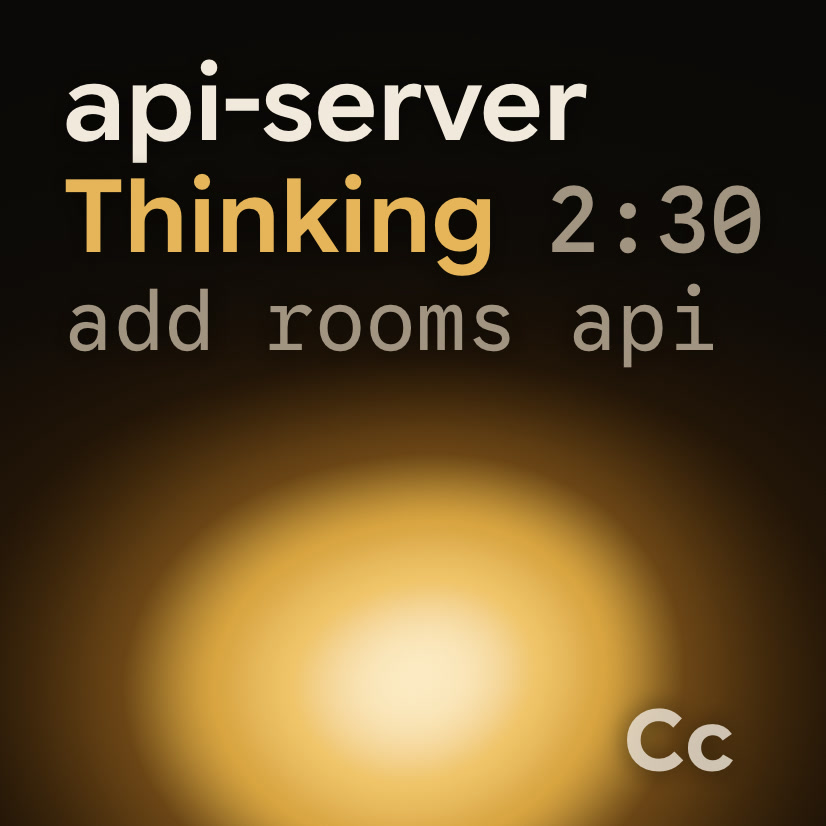
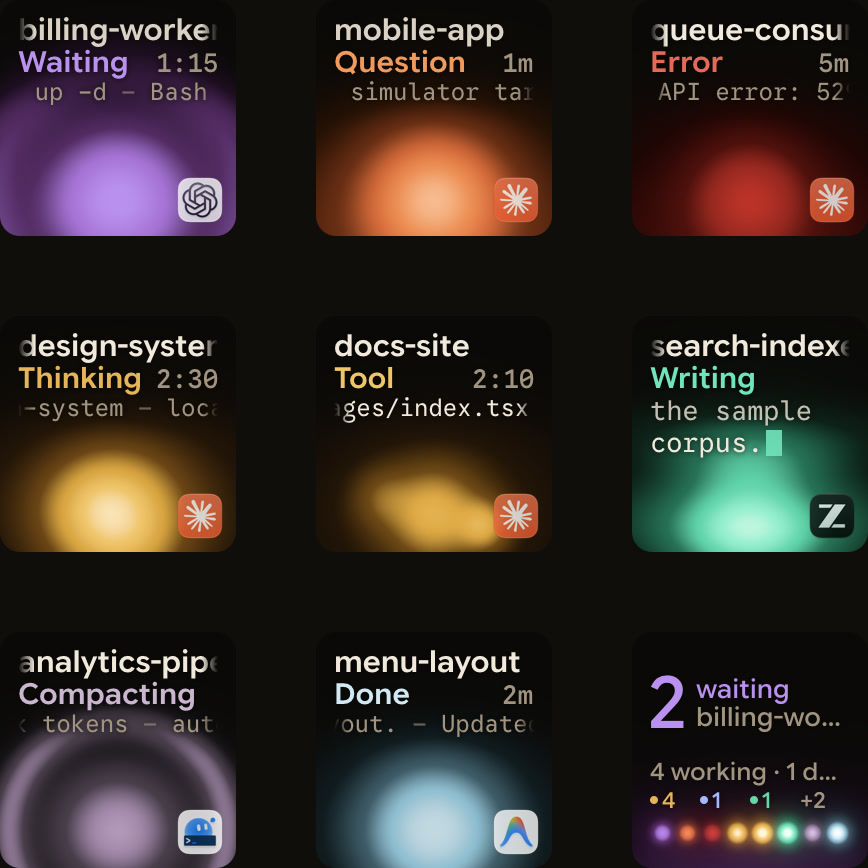
A status pad gives you that signal at a glance. Orbtile puts your coding-agent sessions on the Logitech MX Creative Keypad, an iPhone, an Android phone or your computer screen, one tile each.
- A glance at the pad tells you whether a session is still working, waiting or done, without switching windows.
- A session that starts waiting moves to the front, so it is the first thing you see when you sit down.
- Tap the hub key to open the first waiting session, so you go straight back to the one that needs you.
It does not tell you what to do with the gap. It only makes the end of it easy to see.
FAQ
Is it bad to start another task while an AI agent works?
A small task you can drop at any moment is fine. A second demanding task is the risky choice: research on attention residue found that switching away from unfinished work lowers performance on the next task, and you will switch back as soon as the agent needs you.
How long should a break be during an agent run?
Match it to the run. In a meta-analysis of micro-breaks, short breaks reduced fatigue, and longer breaks did more for performance. For runs of ten minutes or more, a proper break away from the screen is worth taking.
Should I watch the agent's output while it works?
Only for short runs or when you expect to stop it. Reading output that needs no decision uses attention you could spend elsewhere. Check at intervals, or use a signal that tells you when the agent is waiting.
Can Orbtile tell me when the agent has finished?
Yes. Each session's tile shows whether it is working, waiting or done, and a waiting session moves to the front. A tap on the hub key opens the first waiting session.