
Notification fatigue sets in when alerts arrive faster than they matter, so you start ignoring all of them. With coding agents, the fix is to let only blocking events ping you, make finished work something you glance at, and silence progress updates. You get fewer pings and still miss nothing that needs you.
Why coding agents wear you down with alerts
Every agent you add brings its own stream of events: a permission request here, a finished turn there, a question, a failed test, another finished turn. Each one asks you to look up, decide whether it matters, and find your place again.
Two things can go wrong. More alerts can leave you feeling less able to focus, and when most alerts turn out not to need you, you learn to tune them out, so the one that does need you waits with the rest. The research below speaks to the first directly and to the second only by analogy, with limits noted.
What research says about notifications and alerts
Alerts on, attention down
An experiment with 221 undergraduate students at the University of British Columbia (Kushlev, Proulx and Dunn, CHI 2016) compared two weeks in the same people's lives. In one week they kept alerts on and their phones within sight or reach. In the other they kept alerts off and their phones away. Participants reported "higher levels of inattention and hyperactivity when alerts were on than when alerts were off". Inattention and hyperactivity are the names of the self-report measures the paper used: everyday attention and restlessness in students from the general participant pool, not a diagnosis. The authors add that higher inattention in turn predicted lower productivity and lower well-being.
Two limits matter. The study was about phones and students, not developers at work, and the "alerts on" week also kept the phone close. Still, the same people reported more inattention in the week with more alerts.
Checking in batches lowers stress
A related field experiment by two of the same authors (Kushlev and Dunn, Computers in Human Behavior, 2015) asked 124 adults, about two thirds of them students and the rest community members, to change how often they checked email. In one week they checked only three times a day, with the mailbox closed and email alerts off in between. In the other they checked as often as they liked, with alerts on. During the limited week, participants "experienced significantly lower daily stress than during the unlimited email use week."
The lesson for agents is not "check three times a day". Agents block on you within minutes, so that would stall them. The lesson is that fewer, predictable check-ins can feel calmer than a steady trickle, as long as nothing important waits too long.
When an alert arrives matters as much as how many
A controlled experiment with 50 participants (Bailey and Konstan, Computers in Human Behavior, 2006) showed the same side tasks either in the middle of a main task or at the boundary between main tasks. When the side tasks interrupted mid-task, people needed "from 3% to 27% more time to complete the tasks", committed "twice the number of errors across tasks" and felt "from 31% to 106% more annoyance" than when the same side tasks arrived at a boundary.
The authors also note that "deferring presentation for a short time, i.e. just a few seconds, can lead to a large mitigation of disruption." For agent alerts, that points to a simple habit: when a ping can wait until you finish your sentence or your function, let it.
Hospital alarms: a cautious analogy
Hospitals call this "alarm fatigue". It is a serious clinical problem with far higher stakes than a coding session, so treat it only as an analogy. In a 31-day study of 461 adults treated in intensive care units (Drew and colleagues, PLOS ONE, 2014), monitors produced "an audible alarm burden of 187/bed/day", and "88.8% of the 12,671 annotated arrhythmia alarms were false positives." The authors write that alarm fatigue is unsafe "because a life-threatening event may be missed".
The study counted alarms rather than measuring how staff reacted to them. In their discussion, the authors describe a "cry wolf" phenomenon that "results in staff ignoring alarms" when so few are real. For agent alerts, the goal is not fewer signals for their own sake, but a high share of alerts that really need you.
Sort agent events into ping, glance or nothing
Most agent events fall into a few kinds. Give each kind the lightest signal that still gets it handled in time.
| Event | Signal | Why |
|---|---|---|
| Blocked on you: a permission request, a question or a plan to approve | Ping | The agent stops until you answer, so every minute of delay is lost work |
| Failed run you are waiting for | Ping | Your next step depends on it |
| Finished a turn or a task | Glance | Nothing breaks if you look in five minutes; review it at your next pause |
| Failed run in the background | Glance | Look when you next check, unless something depends on it |
| Still working: thinking, running tools, writing | Nothing | No decision is needed from you |
| Finished while you were watching it | Nothing | You already know |
A ping is anything that pulls your eyes or ears: a sound, a banner, a vibration. A glance is a state you can check when you choose to, such as a status line, a list or a display on your desk. Nothing means no signal at all.
Fewer pings without missing anything
- Ping only for blocking events. A permission request, a question or a failed run you are waiting for: your delay stops the work.
- Keep one ping channel. A sound and a banner and a phone buzz for the same event triple the cost without adding information.
- Make finished work visual. A finished turn can wait for your next pause, where Bailey and Konstan found interruptions cost less.
- Never ping for progress. Updates about thinking, tool calls or output are worth seeing only when you choose to look.
- Check glances at boundaries. After a commit or a test run, scan every session once instead of reacting to each finish.
- Prune once a week. If you mostly dismissed a kind of alert unread this week, demote it to a glance.
Put the setup into practice
The how-to lives in our existing guides, so this one does not repeat it. Get notified when Claude Code needs approval or finishes covers the built-in ways Claude Code tells you it needs you and how to set each one up. If you want a sound only for the events that block, Claude Code notification sound: terminal bell and audio hooks shows how to filter which events play one. Questions and plan approvals are a separate case, covered in Know when Claude Code asks you a question or wants a plan approved.
With several sessions open, a ping says that something needs you, not which session. How to monitor multiple Claude Code sessions compares the ways to see that at a glance.
A short test for every alert you keep
Ask three questions about each kind of alert:
- Does the agent stop until I act? If not, it is not a ping.
- Would I act on it within the next few minutes? If not, it is a glance at most.
- Have I ignored it more often than I acted on it this week? If so, demote it.
Fewer pings also change what you do in the minutes between them. That is a different question, covered in What to do while your AI coding agent works.
Where a status pad helps: a glance instead of a ping
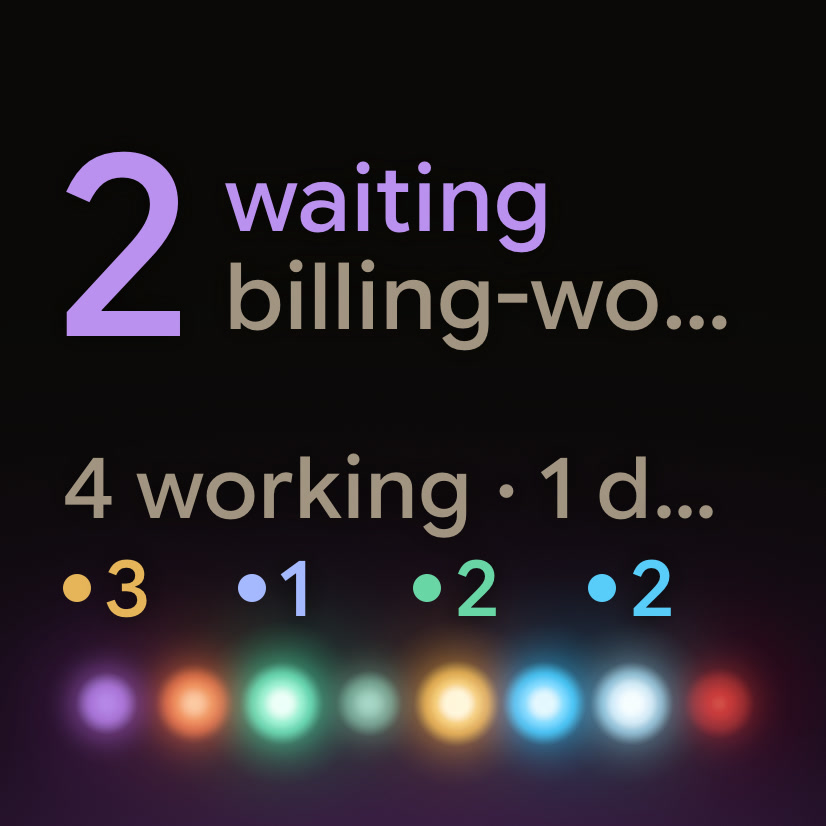
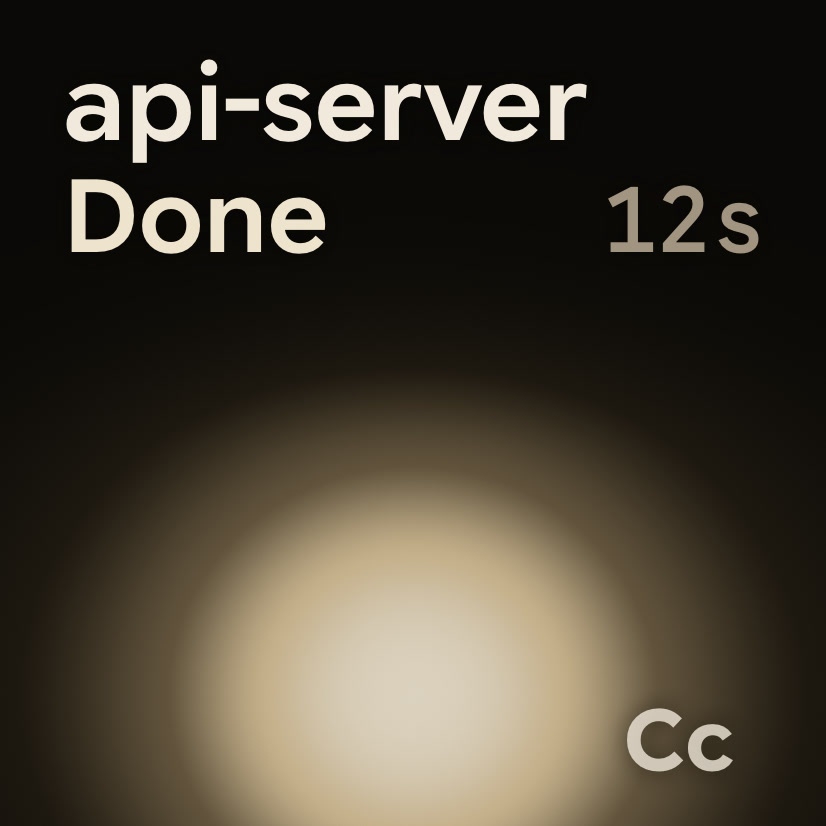
A status pad turns the "glance" row of the table into something you can see without switching windows. Orbtile shows each coding-agent session as its own tile on the Logitech MX Creative Keypad, an iPhone, an Android phone or your computer screen, with its name, state and, where supported, latest words.
- Tiles sort by urgency: waiting sessions first, then working ones, then recent finishes. A session that starts waiting moves to the front.
- A waiting session glows in its agent's alarm colour, and a label names the state, so colour is never the only signal.
- Working sessions and recent finishes stay on the pad as states you read when you choose.
- With Claude Code, your notifications keep working as before, so one ping can cover blocking events while the pad carries the rest.
It does not decide for you which events deserve a ping. That stays your setting, in your agent's own notification options.
FAQ
What is notification fatigue?
It is the state where alerts arrive so often, and so many of them need no action, that you start ignoring or dismissing them without reading. The risk is that an alert that does need you gets the same treatment as the noise.
Should I turn off all coding agent notifications?
No. An agent that is blocked on a permission request or a question waits until you answer, so keep one ping for those events. Turn finished work into something you check at a glance, and switch off alerts for progress.
Is a sound or a banner better for agent alerts?
Pick one, not both. A sound reaches you when you are looking elsewhere, and a banner can carry a line of text. Either way, keep it for events where the agent stops until you act.
How does Orbtile reduce notifications?
It does not decide which events ping you. It shows every session's state on a keypad, a phone or your computer screen, with waiting sessions first, so you can check finished and working sessions with a glance and keep pings for blocking events.