

Claude Code sends a notification when it finishes a task or stops at a permission prompt while you seem to be away. You can show it as a desktop notification, a terminal bell, or anything a Notification hook can run. Which one you need depends on your terminal and on how many sessions you run.
1. Desktop notifications
In Ghostty, Kitty and iTerm2, Claude Code's notifications appear as desktop notifications without any setup.
In iTerm2, if they don't show up, open Settings > Profiles > Terminal, turn on Notification Center Alerts, then in Filter Alerts allow escape sequence-generated alerts. Also check that the terminal app has notification permission in your system settings.
These notifications also reach you from a remote session over SSH.
2. The terminal bell
Other terminals, such as Apple Terminal, Warp or the VS Code terminal, don't get the desktop notification. Ask for a bell instead. Add this to ~/.claude/settings.json:
{
  "preferredNotifChannel": "terminal_bell"
}
If you use tmux, add set -g allow-passthrough on to ~/.tmux.conf so the notification reaches the outer terminal.
3. A Notification hook
A hook runs your own command when Claude needs you: a sound, a desktop banner, a message to your phone. It runs alongside the built-in notification. On a Mac, this plays a sound:
{
  "hooks": {
    "Notification": [
      {
        "hooks": [
          { "type": "command", "command": "afplay /System/Library/Sounds/Glass.aiff" }
        ]
      }
    ]
  }
}
The Notification event has types you can match on, including permission_prompt and idle_prompt, so you can treat "needs approval" differently from "waiting for your next message". A separate Stop hook runs when Claude finishes responding.
Which one to use
| You run | Use |
|---|---|
| One session, Ghostty, Kitty or iTerm2 | Built-in desktop notifications |
| One session, another terminal | terminal_bell |
| You want a sound or a custom action | A Notification hook |
| Several sessions at once | A display that shows which session is waiting |
When notifications aren't enough
A notification says that a session needs you. With four sessions open, you still have to find which one, and once you dismiss the banner it's gone.
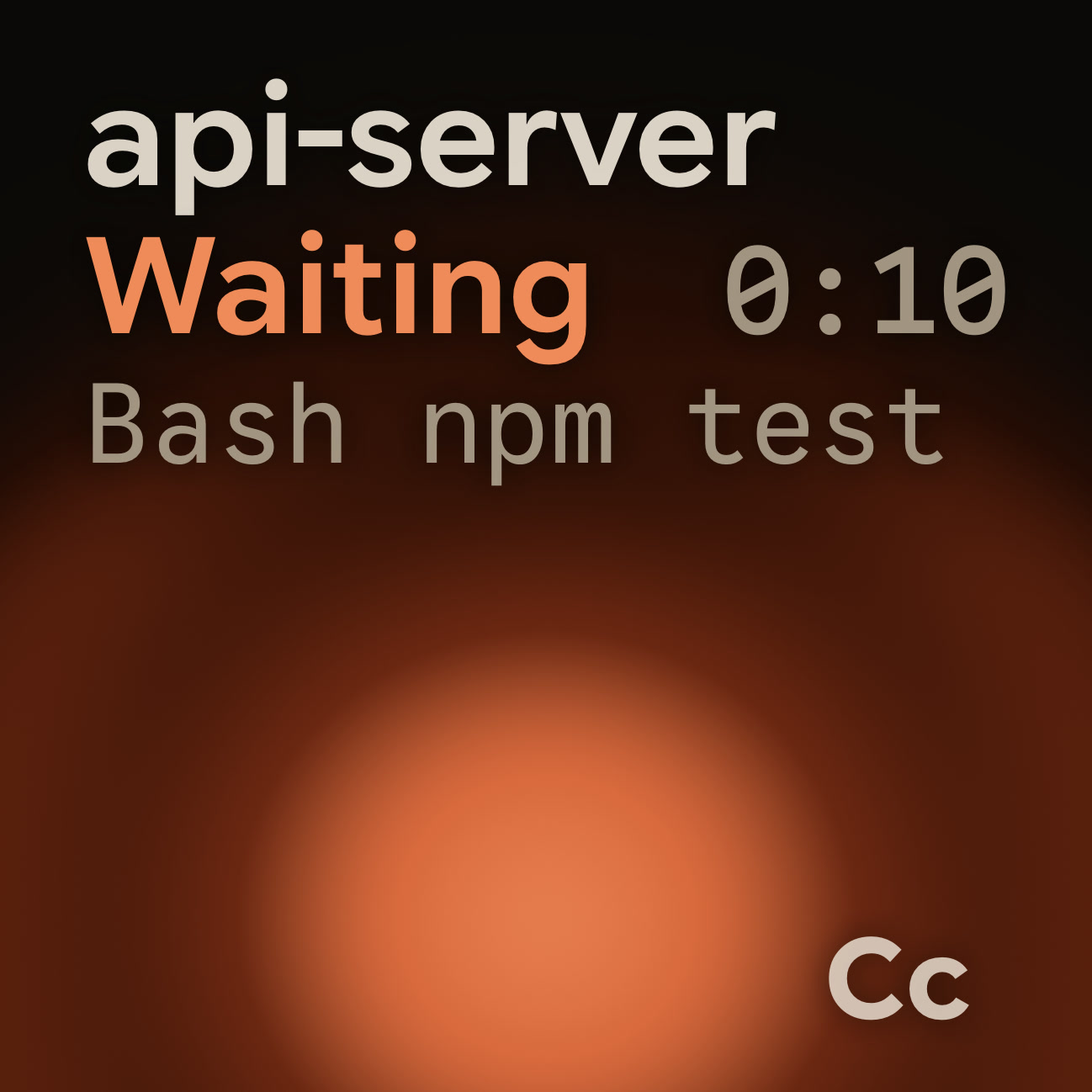
Orbtile shows every session as its own tile on an Android phone or the Logitech MX Creative Keypad. A waiting session glows in its agent's alarm colour and moves to the front, the tile shows what it's asking, and you can answer supported requests from the pad: press Deny, or hold Allow for 0.6 seconds. It uses Claude Code's hooks through its own plugin, so your notifications keep working as before.
FAQ
Why don't I get notifications in the VS Code terminal?
It doesn't receive Claude Code's desktop notification. Set preferredNotifChannel to terminal_bell, or add a Notification hook.
Can I get notified only for permission prompts?
Yes. Give the Notification hook a matcher of permission_prompt.
Does Orbtile change my Claude Code settings?
It installs its plugin through Claude Code's own command line. If that fails, it edits ~/.claude/settings.json and keeps a dated backup first. Removing the plugin in Orbtile's settings unregisters it.