
Independent studies do not agree on one number. In a 2025 randomised trial, experienced open-source developers took 19% longer with AI tools while believing they had been faster. Smaller university studies found mixed or inconclusive speed effects for adults and clearer gains for learners aged 10 to 17. Measure your own work before trusting the feeling.
Which studies this guide uses
This guide uses only studies from universities and non-profit research institutes: randomised trials, controlled experiments and lab studies. Companies that make AI coding tools have published their own studies too; they are left out here.
Two warnings apply to everything below. First, the tools change faster than studies are published, so each result describes the tools of its time, and this guide names them. Second, most samples are small, from 16 to 69 people. Treat each result as one data point about one setting, not a law about all developers.
The METR trial: experienced developers were slower with AI
The main study in this guide is a randomised controlled trial by METR, a non-profit research institute. Becker, Rush, Barnes and Rein published it as a preprint in July 2025.
The setting:
- 16 developers with moderate AI experience completed 246 tasks in mature open-source projects they had worked on for 5 years on average.
- Each task was randomly assigned to allow or disallow AI tools from the February to June 2025 frontier.
- When AI was allowed, developers mainly used Cursor Pro with Claude 3.5 and 3.7 Sonnet.
- Developers were paid $150 an hour, and screen recordings checked what they actually did.
The result: allowing AI increased completion time by 19%. Before the tasks, the developers forecast that AI would cut their time by 24%. After the study, they still estimated that AI had cut it by 20%. Experts in economics and machine learning had predicted time savings of 39% and 38%.
The authors examined about 20 possible contributing factors, from project size to prior experience with the tools, and found evidence that 5 of them contributed. They write that experimental artefacts cannot be ruled out entirely, but that the slowdown held up across their analyses.
Where the time went
The screen recordings are the most useful part for anyone planning a working day. When AI was allowed, developers spent a smaller share of time actively coding and reading or searching for information. Instead, they spent time prompting, waiting for output and reviewing it, and a somewhat higher share of time idle, with no activity on screen.
On a subset of 44 issues with labelled recordings, developers spent about 9% of their time reviewing and cleaning AI-generated output, and about 4% waiting for AI generations, which the authors call "small, but non-trivial". When using Cursor, developers accepted fewer than 44% of AI generations, and 75% said they read every line of AI-generated code.
In other words, the work around the AI took real time: writing prompts, waiting, reading, fixing and throwing output away.
The 2026 follow-up
In February 2026, METR published a blog post by the same researchers, not a peer-reviewed paper, about a new round of the experiment that started in August 2025. Their raw results showed some evidence of speedup, but METR calls the data an unreliable signal. The main reason: more developers declined to take part because they did not want to work without AI, which, METR says, likely biases its estimate of the speed-up downwards. METR also cut the pay from $150 to $50 an hour, and it says its time measurements are unreliable for developers who use multiple AI agents concurrently.
The post also gives the uncertainty of the 2025 result: tasks took 19% longer, with a confidence interval from +2% to +39%.
Based on conversations with participants, METR believes developers are likely more sped up in early 2026 than in early 2025, but calls its own data "only very weak evidence" for the size of that increase, and it is changing the experiment's design. The honest summary: the 2025 slowdown is the best measured result from that period, and none of the studies in this guide has measured today's agent-heavy workflows cleanly.
University studies: mixed results on speed
Three earlier university experiments looked at code generation in smaller, controlled tasks. They used older tools, but they asked the same question.
Copilot against IntelliSense at Harvard and Purdue
Vaithilingam, Zhang and Glassman ran a within-subjects study with 24 participants, most of them university students, on three Python tasks with a 20-minute limit each (CHI 2022). They compared GitHub Copilot with ordinary IntelliSense completion.
Copilot "did not necessarily improve the task completion time or success rate". Copilot users failed 5 tasks against 2 for IntelliSense, and the average time difference was about one minute; neither difference was statistically significant. Still, 19 of 24 participants preferred Copilot, because it gave a useful starting point and saved searching online. The cost was the effort of understanding, editing and debugging generated code, which the authors say significantly hindered task-solving.
Code generation inside the IDE at Carnegie Mellon
Xu, Vasilescu and Neubig built a PyCharm plugin that combined code generation and code retrieval from natural language, then had 31 participants with varied backgrounds complete Python tasks with or without it (ACM TOSEM, 2022). Developers' experience was largely positive, but the quantitative results on productivity, code quality and program correctness were, in the authors' word, "inconclusive".
Young novices at Toronto, Michigan and Maryland
Kazemitabaar and colleagues ran a controlled experiment with 69 novices aged 10 to 17 over 45 Python code-writing tasks, half of them with access to OpenAI Codex (CHI 2023). Codex significantly increased code-writing performance: a 1.15x higher completion rate and 1.8x higher scores. It did not lower performance on manual code-modification tasks. One week later, learners who had used Codex did slightly better on post-tests, but that difference was not statistically significant.
What the studies agree on
Read together, the studies point the same way on a few things, even where speed results differ:
- Feeling faster is not being faster. METR's developers believed AI saved them 20% while it cost them 19%. Your sense of speed is weak evidence.
- Review is part of the job. METR timed the review of generated code; at Harvard and Purdue, understanding and debugging it took real effort.
- Gains depend on who and what. Learners aged 10 to 17 gained on introductory tasks. Experienced developers in large, familiar codebases saw no gain in 2025.
- People like the tools anyway. At Harvard and Purdue and at Carnegie Mellon, people rated the tools well even without a clear speed gain.
What it means for your own work
You cannot copy a study's number onto your team, but you can borrow its method:
- Time a few comparable tasks. Log start and finish for similar tasks with and without an agent. A rough log beats a feeling.
- Count all the time, not only typing. Prompting, waiting, reviewing, re-prompting and reverting all count, as METR's recordings showed.
- Pick tasks deliberately. Harvard and Purdue participants valued a starting point and less searching. METR saw a slowdown in mature projects developers knew well.
- Budget review time up front. If you plan to read every line, as most METR developers did, put that time in the estimate.
- Watch the overhead of several agents. Checking which one needs you takes time, and none of these studies measured it separately.
For habits that keep that overhead in planned moments rather than all day, see How to stay focused while coding with AI agents. To keep parallel agents from editing the same files, see Git worktrees for parallel coding agents, and for keeping track of several sessions, see Run several Claude Code sessions and see which one needs you.
Keep the checking overhead small
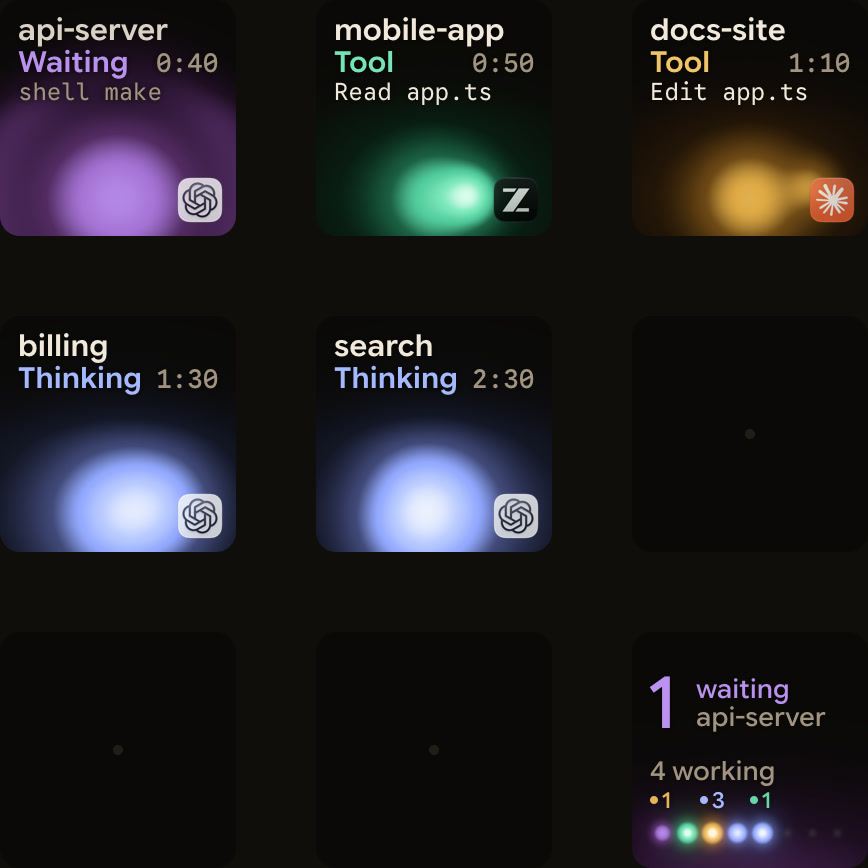
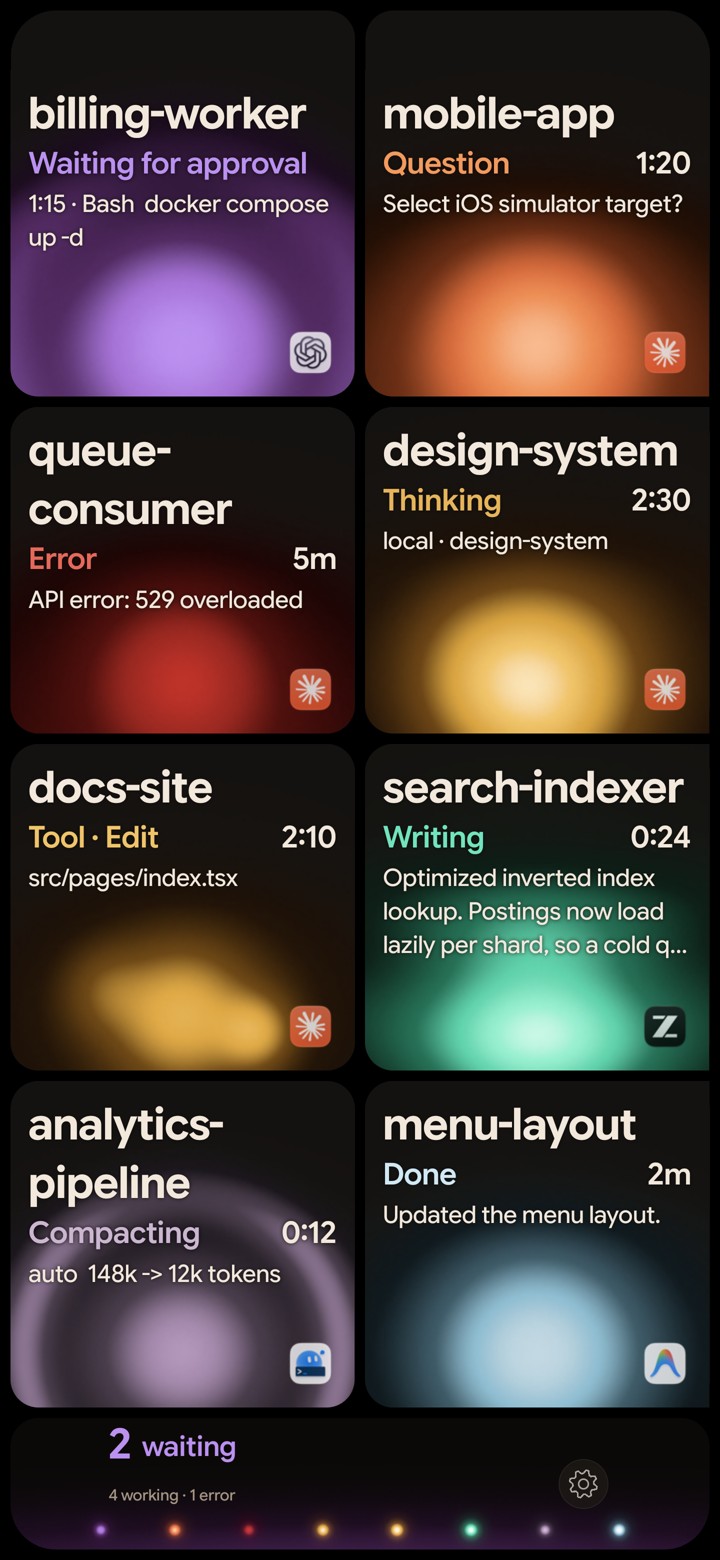
Checking on agents is overhead that these studies did not measure separately. If you run several agents, it helps to make each check cheap. Orbtile shows each coding-agent session as a key on a Logitech MX Creative Keypad or a tile on an iPhone or Android phone, with its name, state and latest words. Waiting sessions move to the front, so a glance tells you whether anything needs you. It runs on an Apple silicon Mac with macOS 14 or later, or a Windows 11 computer (x64).
FAQ
Does AI make developers more productive?
It depends on the setting. A 2025 randomised trial with 16 experienced open-source developers found AI increased task time by 19%. University studies found inconclusive speed effects for adults and clear gains for learners aged 10 to 17 on introductory tasks. None of the studies here measured current agent workflows cleanly.
Why did experienced developers get slower with AI in the METR study?
The authors examined about 20 possible factors. Screen recordings showed less time coding and more time prompting, waiting, reviewing and idle. When using Cursor, they accepted fewer than 44% of AI generations.
Are newer AI tools faster than the ones in these studies?
METR believes developers are likely more sped up in early 2026 than in early 2025, but says its newer data is only very weak evidence for the size of that change, because many developers declined to work without AI.
How can I measure my own productivity with AI?
Log start and finish times for comparable tasks with and without an agent, and count prompting, waiting, reviewing and fixing as part of the task. Compare the log with how fast the work felt, because the METR study found the two can point in opposite directions.