
For one developer, AI agent orchestration is not a framework. It is four habits: split work into tasks an agent can finish without you, give each session its own workspace, keep one place that shows every session's state, and decide in advance when you step in. Research on supervising robots and on interruptions explains why each matters.
What orchestration means at desk scale
Most writing about AI agent orchestration is for people who build agent platforms: message queues, planners and agents that hand work to other agents. If you are one developer with a few coding agents in terminal tabs, you are the orchestrator. Your job is to hand out work, keep the sessions apart, notice when one needs you and merge the results.
Some tools now coordinate agents for you. For Claude Code's own options, see Claude Code agent teams and Claude Code background agents. Those guides cover the features. This one covers the decisions that stay with you, whichever tool you use.
Split the work by how long an agent can run alone
The most useful idea for splitting work comes from research on people who supervise several robots.
In a 2005 paper in IEEE Transactions on Systems, Man, and Cybernetics, Jacob Crandall, Michael Goodrich, Dan Olsen and Curtis Nielsen of Brigham Young University defined two quantities. Neglect time "is the expected amount of time that a robot can be ignored before its performance drops below a threshold". Interaction time is the average time a person needs to "retask" the robot once they turn to it. The rough rule they describe, from earlier fan-out work, puts the number of robots one person can run at one plus the ratio of neglect time to interaction time. In their worked example, only three interaction times fit into one neglect time, so the person can manage four robots in total.
They also describe a switch cost: "it takes a human a little time to 'come up to speed'" when attention returns to a robot. Their methods were tested in a simulation study with 40 participants and a study with real robots.
Translated to coding agents, this gives you two levers when you split work. This is our reading, not a finding about software:
- Raise neglect time. Give each agent a task with a clear end and a way to check itself, such as tests that must pass.
- Cut interaction time. Answer questions up front in the brief, so the agent does not stop to ask them.
- Avoid chatty tasks. A task that needs you every two minutes takes a whole slot and leaves room for nothing else.
- Keep tasks independent. Two agents waiting on each other turn into one slow agent and a supervisor.
How many sessions your attention can handle is a different question, and Running multiple AI agents at once without losing track looks at it from the watcher's side.
Write a brief you can come back to
You will leave every session and return to it later, often after a gap. Returning costs more than it looks.
Chris Parnin and Spencer Rugaber of the Georgia Institute of Technology analysed 10,000 recorded programming sessions from 85 programmers (ICPC 2009). They found "only 10% of the programming sessions have coding activity start in less than a minute", and only 7% of sessions involved no navigation to other places before the first edit. The authors set out to study how programmers recover their working state, and they note that some of the longest delays may be debugging before the first edit. The study looked at people returning to their own code, not at agents, but you face the same rebuild each time you switch back to a session.
A short written brief for each session cuts that rebuild. Keep it in the session's first prompt or a note in its folder:
- Goal: one sentence on what this session changes.
- Scope: the files or folders it may touch, and the ones it must leave alone.
- Done when: the check that proves it finished, such as a passing test command.
- Ask me about: the decisions you want to make yourself.
When you come back, read the brief and the agent's last message before anything else.
Give each session its own workspace
Isolation stops agents from undoing each other's work, and it keeps your review simple: one session, one branch, one set of changes.
- One task, one folder. Run each session in its own Git worktree or clone. Git worktrees for parallel coding agents covers the setup.
- No shared files. If two tasks must touch the same file, run them one after the other.
- Plan the merge order. Decide which branch lands first, so the second rebases onto known code.
Keep one place that shows every session's state
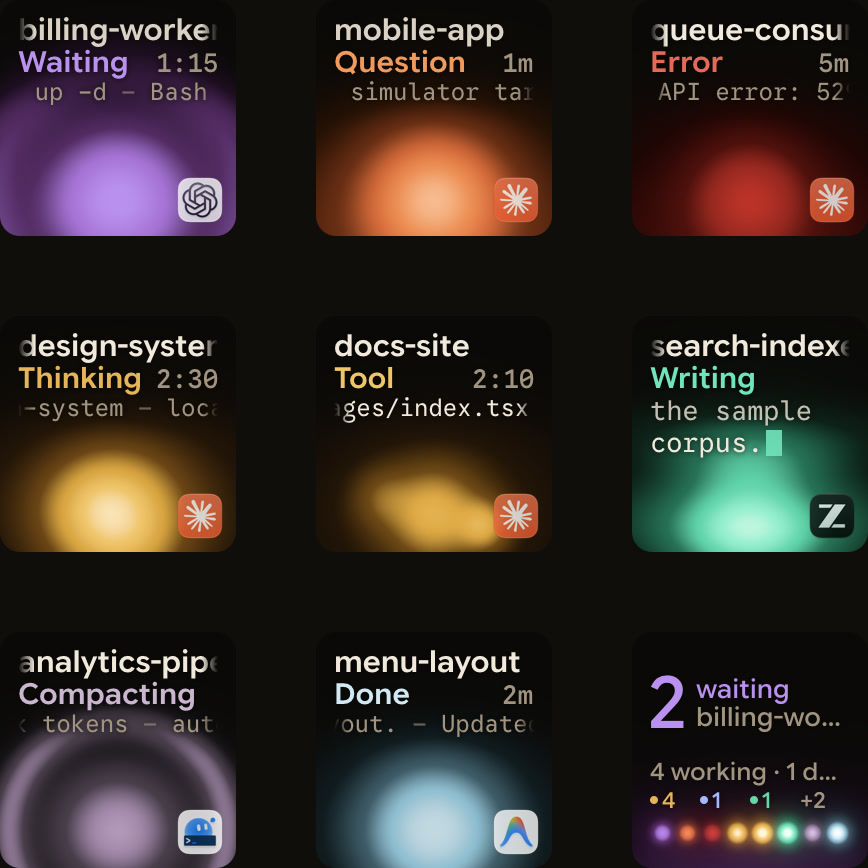
When state lives in six terminal tabs, you have to visit each one to learn anything. Pick one place that lists every session with its state: working, waiting for an approval, waiting with a question, finished or idle. It should put waiting sessions first, and you should trust it enough to stop checking the tabs. Tools differ in which sessions and states they show, so check before you rely on one: How to monitor multiple Claude Code sessions compares several.
Set a clear rule for when you step in
A waiting agent pulls at you. Answering at once feels responsive, but breaking off your own work in the middle of a thought has a cost of its own.
Piotr Adamczyk and Brian Bailey of the University of Illinois at Urbana-Champaign interrupted 16 students at different moments while they edited, searched and worked with media (CHI 2004). The best moments to interrupt were "when a user is moving from one well-defined and commonly understood task to another". At those moments, "the best moment for interruption showed a 56% reduction from the worst condition" in annoyance, and people also reported less frustration and time pressure.
That suggests a simple policy: let the waiting agent wait until you reach a natural break in your own work. Write the rule down once, so you do not decide afresh each time. Ours looks like this:
- Permission request or question: finish the current step, such as the function or the paragraph, then answer.
- Finished session: review it at your next break, together with any others that finished.
- Agent in a loop or touching the wrong files: stop it now. That is the one case worth breaking your thought for.
- Nothing waiting: do not check. Trust the one place that shows state.
Where Orbtile fits
Orbtile can be the one place that shows state. It gives each coding-agent session one key or tile on a Logitech MX Creative Keypad, an iPhone or an Android phone running Orbtile Mobile, or the Orbtile panel on your computer, with the waiting one first.
- Sorted by urgency: waiting sessions lead, then working sessions, then recent finishes.
- Grouping: set Group by to Project, Agent or Host in Orbtile's settings.
- At your break: in Focus mode, press key 7 to deny a local Claude Code request, or hold key 9 for 0.6 seconds to allow.
The keys show the waiting session. When you go to it is still your call.
FAQ
Do I need an orchestration framework to run several coding agents?
No. For one developer, orchestration means splitting work into independent tasks, isolating each session, keeping one view of state and having a rule for when to step in. Frameworks help people who build agent systems, not usually people who run a few sessions.
How should I split work between AI coding agents?
Give each agent a task it can finish and check without you, such as a change with tests that must pass, and answer its likely questions in the brief. Keep tasks on separate files, so no two agents wait on each other.
When should I answer an agent that is waiting?
At your next natural break, unless the agent is doing damage. A lab study of 16 students found interruptions at the move from one task to the next were rated far less annoying than at the worst moments within a task.
Why does switching back to a session take so long?
You have to rebuild what was happening. In a study of 10,000 programming sessions, coding started within a minute in only 10% of them. A short written brief for each session shortens the rebuild.