
Decide when you look at your agents instead of letting each one pull you away. Check at set points, such as the end of a work block, and let only a session that is blocked on you break in early. Keep agent status at the edge of your view, not in the window where you write code.
Why checking on agents costs more than it feels
An agent running in another window is an open invitation. It might have finished, it might be stuck, it might be about to do something you would rather it did not. So you look. Each look feels harmless, but each one is a small interruption that you chose yourself.
Research on software teams suggests those chosen interruptions are the expensive kind. Abad and colleagues at the University of Calgary and Leibniz Universität Hannover analysed 4,910 recorded tasks of 17 professional software developers at one software company and surveyed 132 software developers. They found that self-interruptions, which they define as voluntary task switches, were more disruptive than external interruptions and had a negative effect on the performance of the interrupted task. Most of the people surveyed believed the opposite: 107 of the 132 said interruptions from outside were worse.
That gap matters when you work with agents. A colleague tapping your shoulder feels like the problem. The quick look at a terminal, which nobody asked for, feels like nothing.
Interruptions also cost something that a stopwatch does not show. In a lab study by Gloria Mark at the University of California, Irvine and colleagues at Humboldt University Berlin, 48 people, most of them German university students, answered a series of emails with or without interruptions. Interrupted people finished in less time with no difference in quality, but the authors report that this came at a price: more stress, higher frustration, time pressure and effort. Keeping up with your agents by working faster may carry a similar hidden cost: the people in that study paid in stress, not in output.
What research says about checking less often
The clearest experiment on checking frequency is about email, not agents, but the pattern is close. Kostadin Kushlev and Elizabeth Dunn at the University of British Columbia asked 124 adults, about two thirds of them students, to spend one week checking email only three times a day and another week checking as often as they liked. In the limited week, people checked their email 4.70 times a day on average, against 12.54 in the unlimited week, and they reported significantly lower daily stress.
Two honest limits apply. The study measured stress and well-being, not code output, and it studied people in general, not developers. Still, it supports a simple idea: you can choose a small number of planned checks, and people who did so felt less strained, even though they did not stick exactly to the limit.
Work in blocks with planned breaks
If you only check between blocks of work, the length of the blocks matters. Biwer and colleagues at Maastricht University compared three break schedules in 87 bachelor's and master's students during a real day of self-study:
- Self-regulated breaks, where students decided when to stop.
- A 6-minute break after every 24-minute block, the classic Pomodoro rhythm.
- A 3-minute break after every 12-minute block.
Students who chose their own breaks studied and rested for longer stretches. The authors associated this with higher levels of fatigue and distractedness and lower concentration and motivation than in the fixed schedules. There was no difference between groups in task completion or mental effort, and the authors conclude that fixed breaks appeared to give similar results in less time.
For an agent-heavy day, a fixed rhythm gives you natural check points. Work for one block on your own code, and use the break to look at every agent at once. That turns twenty scattered glances into a few deliberate reviews.
When to look and when not to
Not every agent state deserves the same response. A simple rule set keeps most checks inside your planned breaks:
- Look now when a session waits for a permission or an answer. Nothing moves until you respond, so delay costs real progress.
- Look at the next break when a session has finished. Its result will still be there in twenty minutes.
- Do not look when a session is still working. Watching it think does not make it faster.
- Do not look because you are stuck. That urge is a self-interruption. Take a short planned break instead.
You can also make "look now" rarer. Allow rules for commands you always approve mean fewer permission prompts in the first place. Approve agent tool calls without switching windows shows how to set narrow rules and answer the rest without leaving your editor.
Count your checks for one day
Kushlev and Dunn measured checking by asking people how often they had looked. You can do the same. For one ordinary day, make a tally mark each time you switch to an agent window, and note whether anything there needed you. The tally shows your real number and how many checks found anything to do. It gives you a baseline to aim below, without any software.
Set up your desk and screen for focus
Your layout decides how much effort a check takes and how often your eyes drift to the agents. A few changes help:
- Give your own code the main screen. Move agent terminals to a second screen or a separate desktop, so they are one deliberate move away.
- Keep sounds for waiting only. A sound for every finished turn trains you to look all day. Claude Code notification sound shows how to filter them.
- Put status at the edge of your view. A small coloured signal in peripheral vision tells you "nothing needs you" without a window switch.
- Silence the rest during a block. Chat, mail and phone alerts compete with your agents for the same attention.
What about the phone on the desk? A 2017 study suggested that the mere presence of your phone drains attention. A 2025 conceptual replication at the University of Trieste, published as a short conference abstract without a sample size, kept the phone switched off next to participants or in another room and found no such effect, and its authors note that most replication attempts have found null results. The useful lesson is about behaviour, not furniture: the cost comes from reaching for the phone or the agent window, so make that reach rarer and more deliberate.
If you want the evidence on whether AI tools make developers faster at all, read Developer productivity with AI: what the research says. This guide stays with the habits.
Where a status pad fits
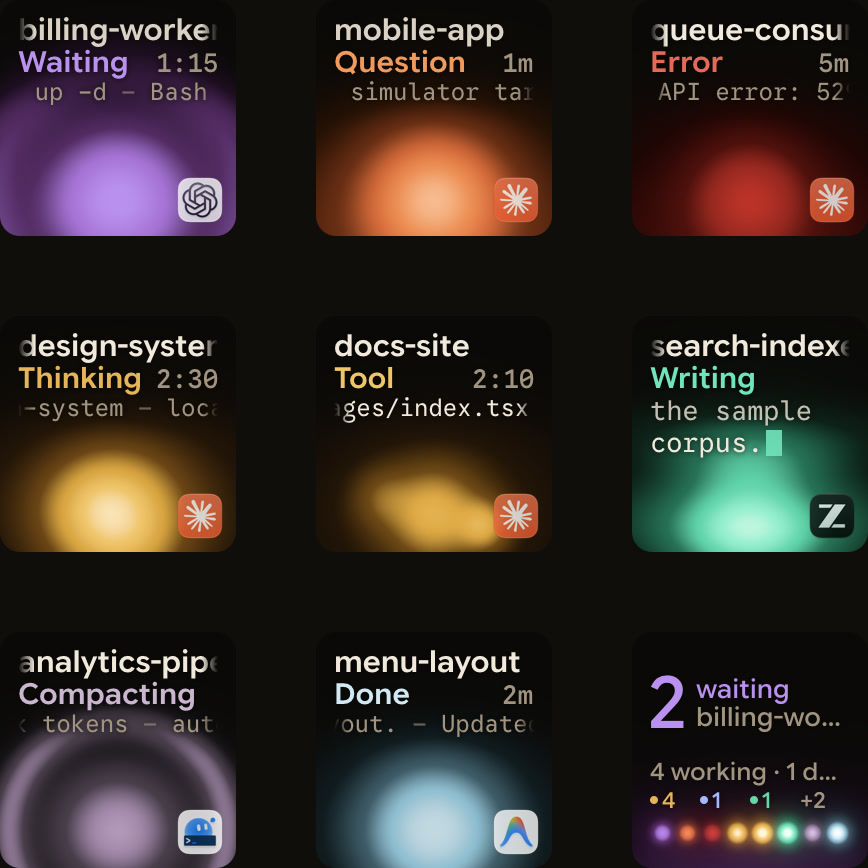
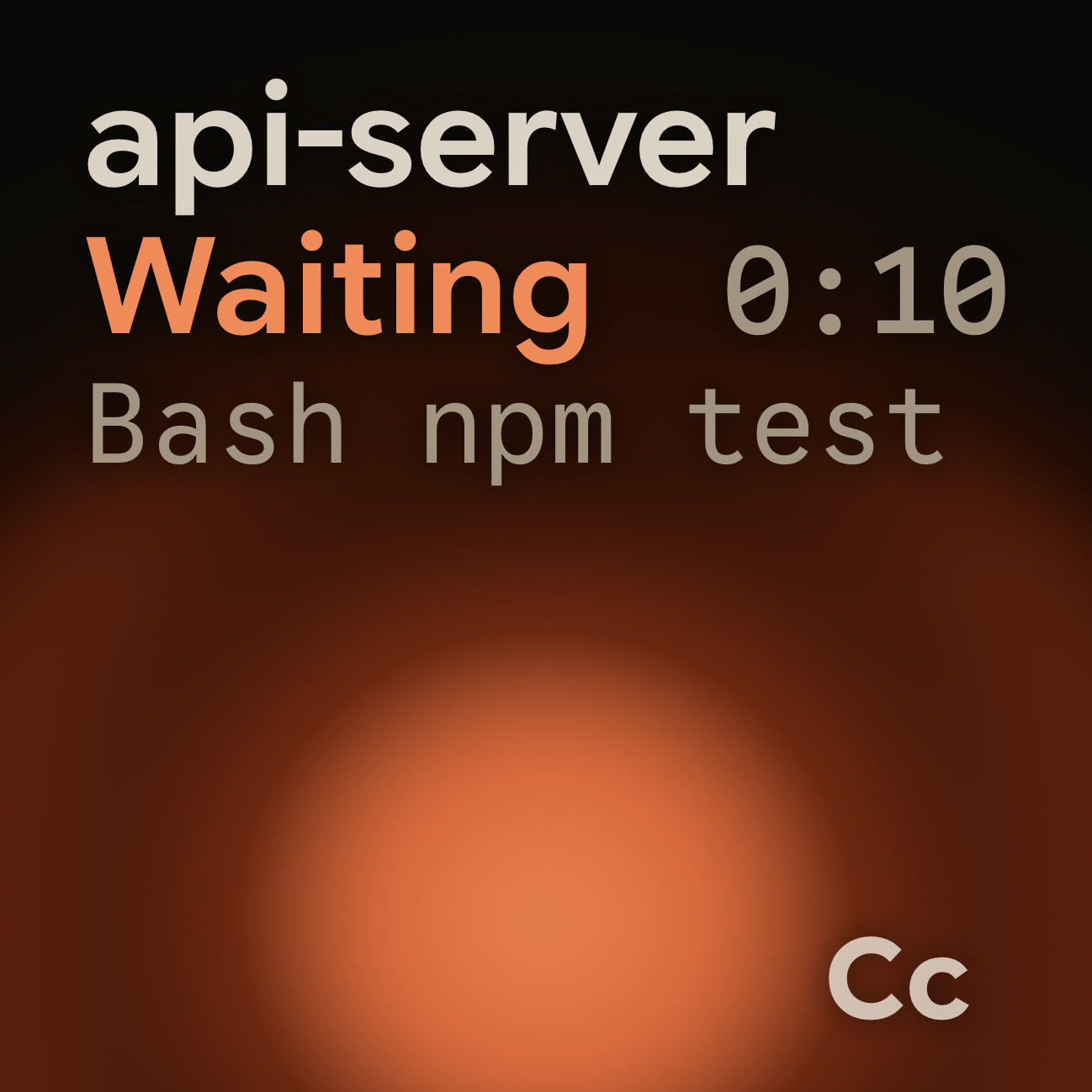
A status pad is one way to put agent status at the edge of your view. Orbtile shows each coding-agent session as a key on a Logitech MX Creative Keypad or a tile on an iPhone or Android phone, with its name, state and latest words. It runs on an Apple silicon Mac with macOS 14 or later, or a Windows 11 computer (x64).
How it maps to the habits above:
- Sessions waiting for you move to the front, and key 9 opens the first waiting session, so "look now" is one press.
- With Colour keys by State, done, working, waiting for you and idle each get a colour you can read at a glance.
- For local Claude Code permission requests, hold a session key to open Focus mode, then press Deny on key 7 or hold Allow on key 9.
Orbtile does not decide when you look. It makes a check a glance instead of a window switch, and the habits still do the work. Typed answers stay on your computer. See How to monitor multiple Claude Code sessions for other ways to watch several sessions.
FAQ
How often should I check on my AI coding agents?
There is no tested number for agents. A study of 124 adults found lower daily stress when people were asked to limit email to three checks a day, and averaged 4.70, than when they checked whenever they liked. A practical version is to check every agent at the end of each work block and break in early only for a session that waits for you.
Is the Pomodoro technique good for coding with agents?
A Maastricht University study of 87 students found that fixed breaks, including 24 minutes of work with 6 minutes of rest, came with less fatigue and distraction than self-chosen breaks, with the same task completion. The fixed breaks also give you natural moments to review agents.
Why do quick checks feel harmless but leave me tired?
A study of 17 professional developers found self-interruptions more disruptive than outside ones, while most surveyed developers believed the opposite. A lab study of 48 people found interrupted work was faster but came with more stress, frustration, time pressure and effort.
Should I keep my phone in another room while coding?
The evidence is mixed. A 2017 result said the phone's presence alone drains attention, but most replication attempts, including a 2025 study at the University of Trieste, found no effect. Silencing alerts and reaching for the phone less often is the safer bet.