
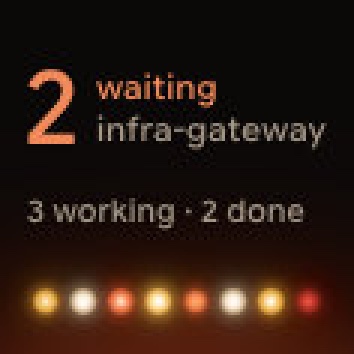
Eight session keys go a long way, until you're running three projects, two agents and a server. Paging through everything works, but it's not a glance any more. Topics fix that: they split your sessions into groups you can switch between from the hub key.
Choose a grouping
In Orbtile's settings, under Keypad, set Group by to one of:
- Agent: Claude Code in one topic, Codex in another, and so on.
- Project: sessions grouped by their project name, or by their folder when there isn't one.
- Host: your computer in one topic, each SSH server in its own.
- None: everything together, as before.
Switch topics from the hub
Hold key 9, the hub, to open the topic picker, then press a topic. The keys show only that topic's sessions, and the page buttons stay inside it. All shows every session again.
Nothing gets lost in another topic: the hub still shows sessions waiting in topics you're not looking at, so a question in another project never goes unnoticed.
Make it fit how you work
- Start in picks the topic Orbtile opens on.
- Topic order is Fixed, or Waiting first, which puts topics with waiting sessions at the top each time you open the picker.
Orbtile Mobile has topics too, with its own topic picker and a hub for the selected topic.
Projects from adapters, servers by host
Agents connected through the Adapter API can name their session's project, so their sessions land in the right Project topic. And sessions from a server over SSH show a globe next to their icon, so grouping by Host and spotting remote work go together. Setting up servers is covered in Watch Claude Code and Codex running on a remote server over SSH.